Text-first navigation
Tap or type. The interface is optimized for fast access with minimal cognitive load, especially for users with dense app libraries.
Zez Launcher is a minimalist Android launcher that replaces icon grids with a text-first home screen, folder-focused organization, and a search that launches before you finish typing. No feeds, no ads, no accounts, no noise.
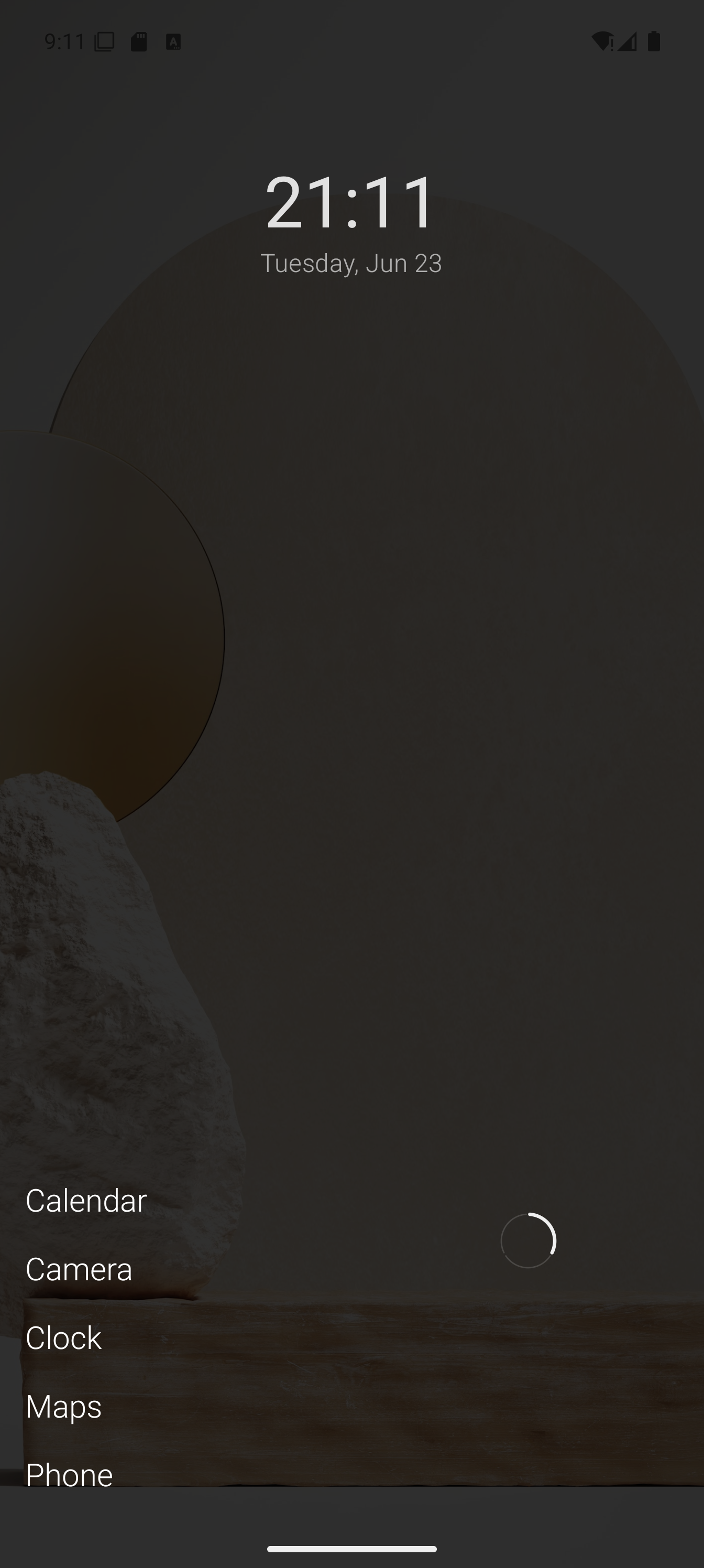
A minimalist launcher that stays out of your way by design. No upsells, no engagement loops, no background activity.
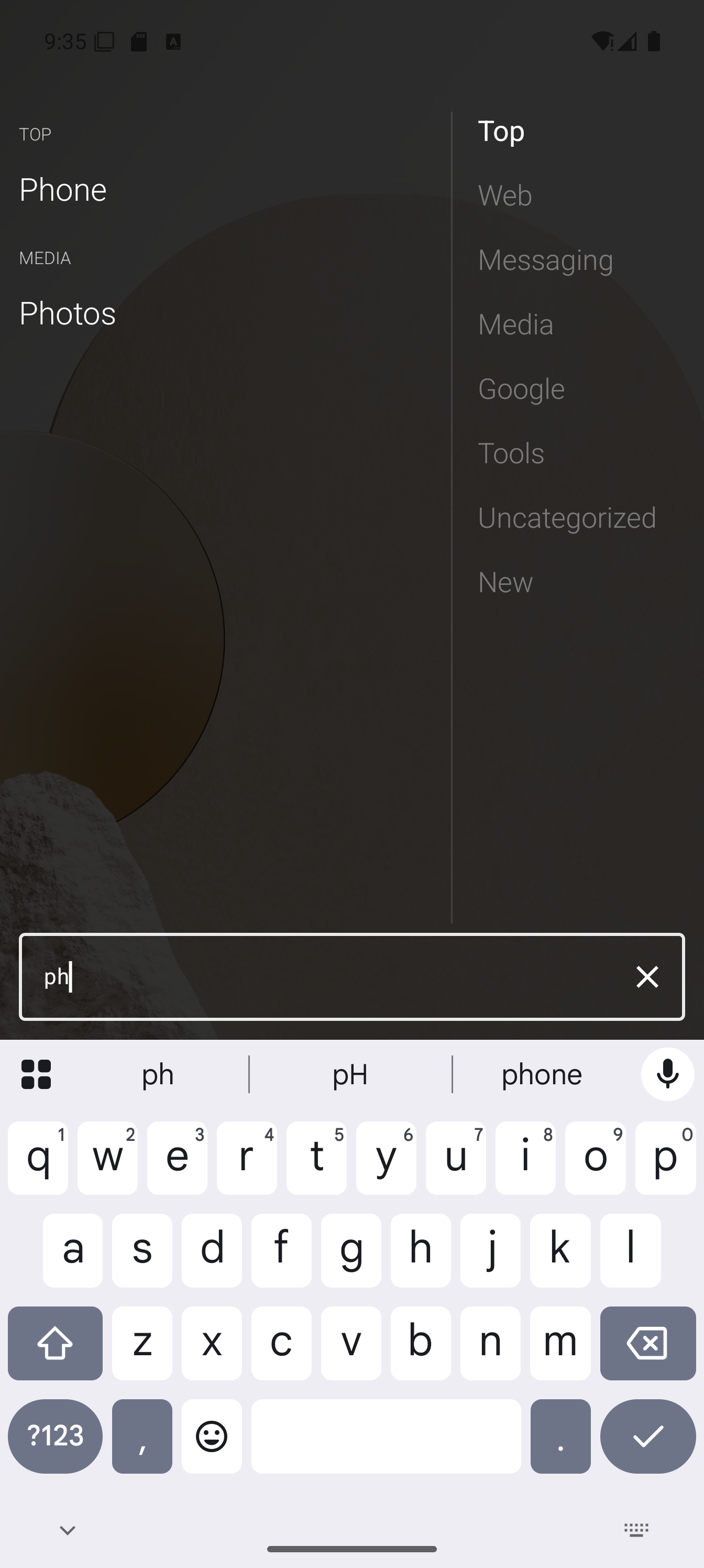
Tap or type. The interface is optimized for fast access with minimal cognitive load, especially for users with dense app libraries.
Organize by how you work — work, finance, travel, tools — instead of forcing every app into a predefined category.
No ads, no analytics, no accounts, no background services, and no network activity. The app stays idle when you are not using it.
Export your layout to compressed JSON, back it up to any notes or cloud app, and restore it on a new device in seconds.
The app itself stays clean. No in-app purchases, no premium unlock gates, and no license checks.
Translucent panels keep your wallpaper visible. The launcher adapts to your aesthetic instead of replacing it.
Zez is opinionated. It assumes you know how to set a default launcher and configure your phone the way you like it.
Open the app list and start typing. Results filter instantly. A single remaining match launches automatically so you rarely need to scroll.
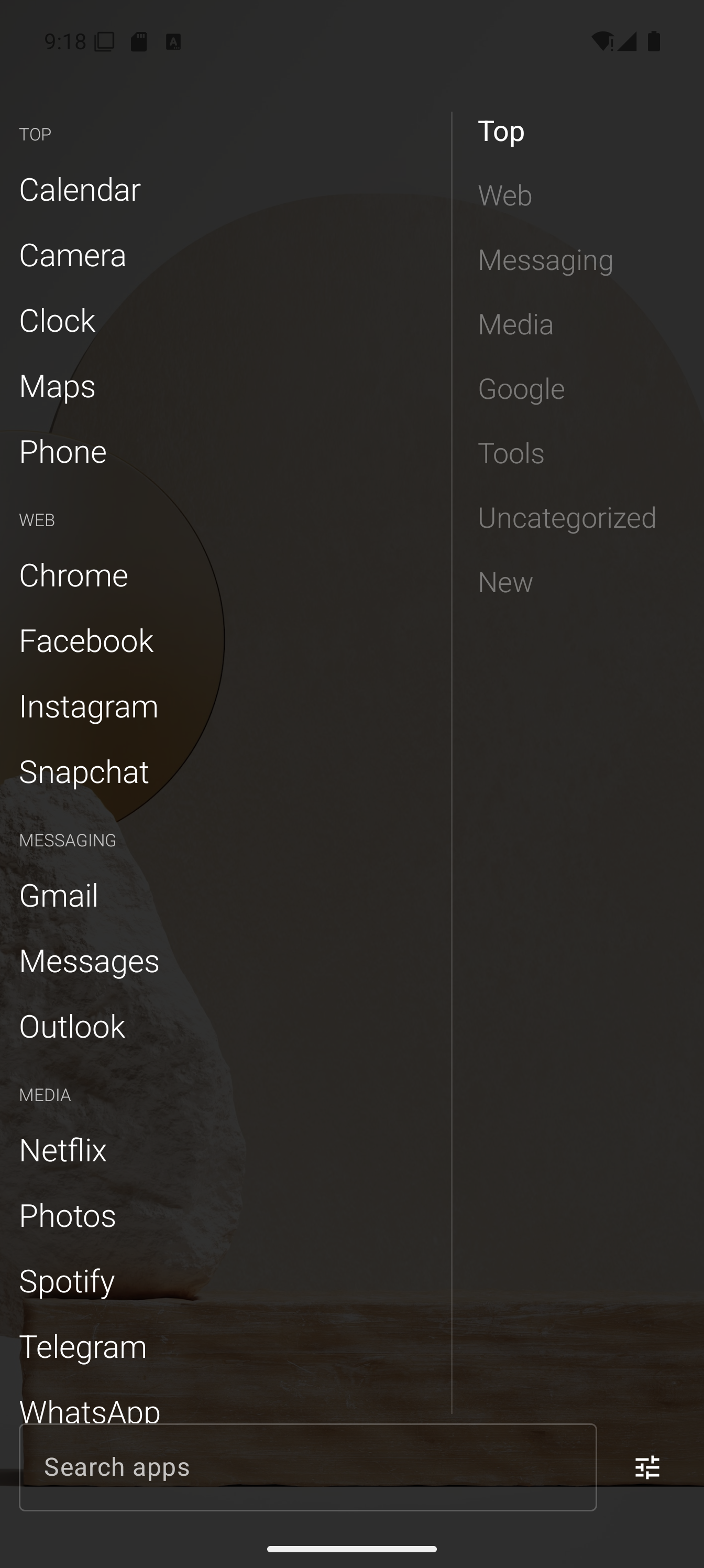
On the Apps page, tap any folder label on the right rail to snap to that group. Reorder folders by long-pressing them.
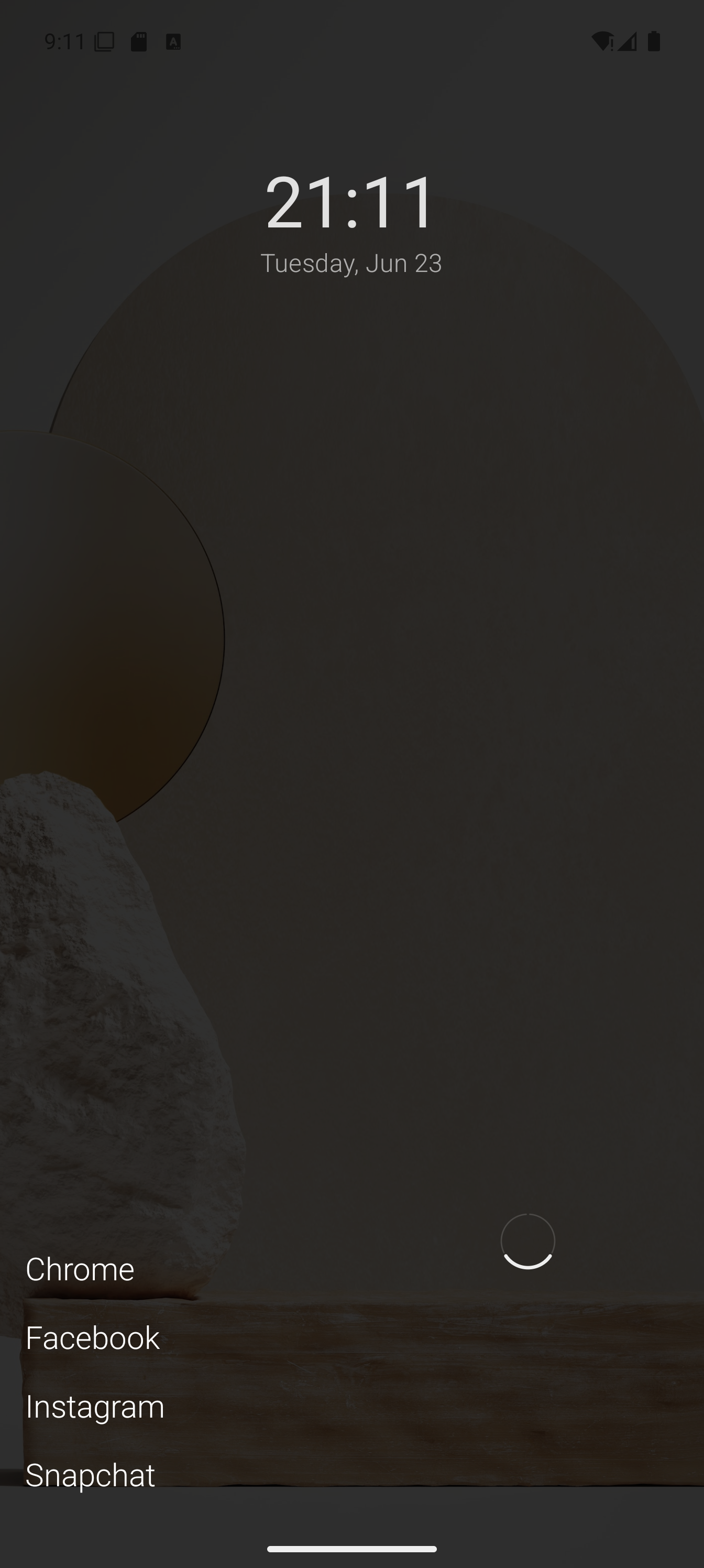
In settings, pick 2-4 home folders. Tap the cycle control on the Home page to rotate between contexts like work, personal, and travel.
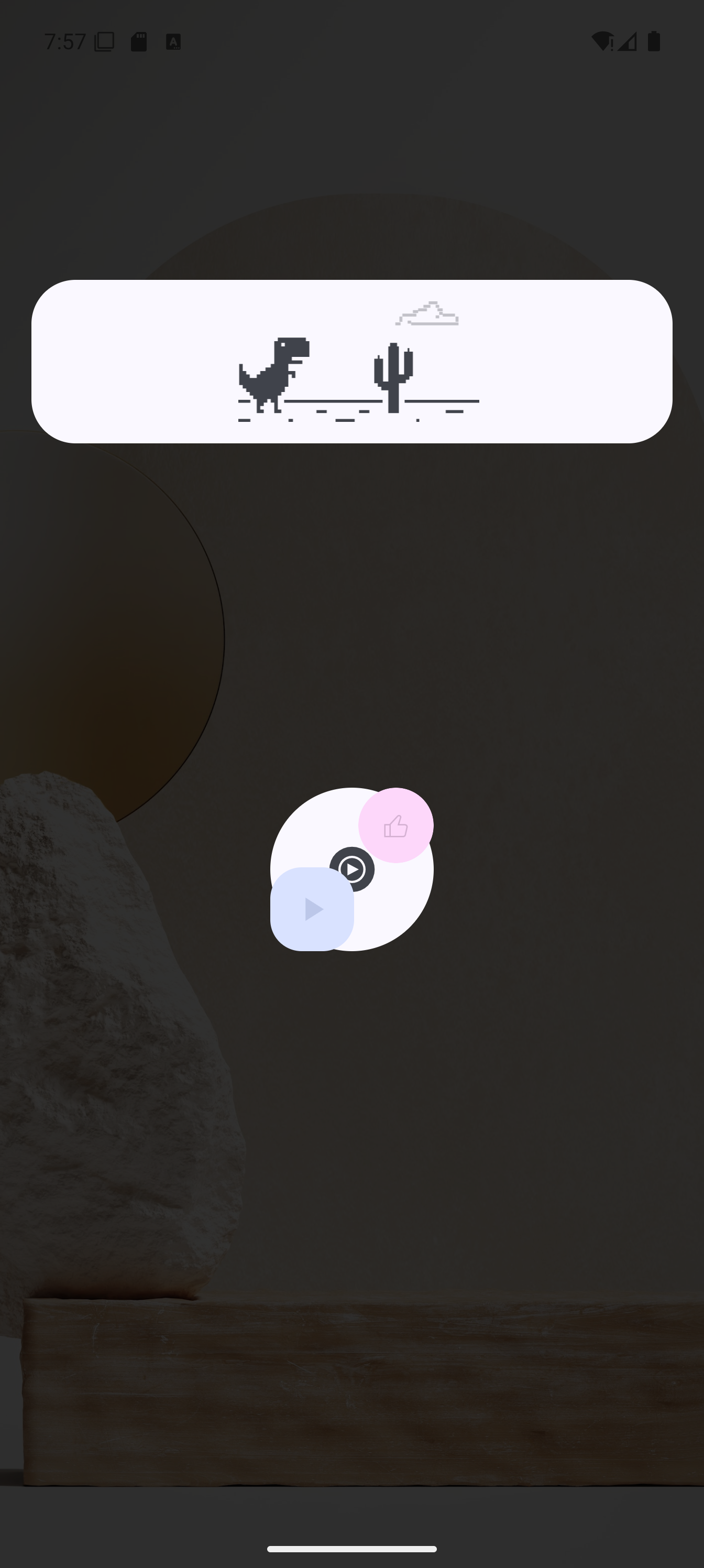
Add widgets to their own page if you need them. Swipe over when you want glanceable info, then return to the clean home screen.
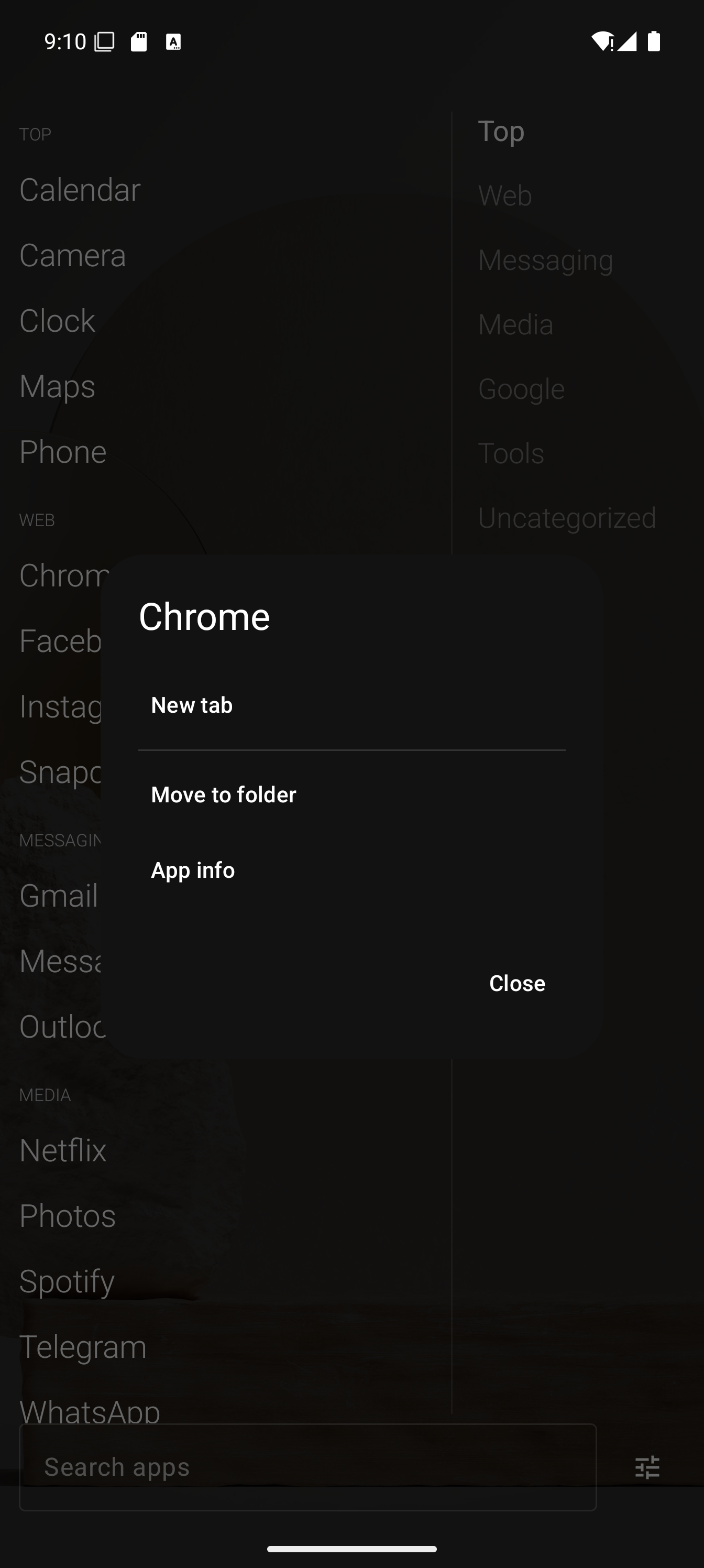
Long-press an app to see its shortcuts. Pin the ones you use repeatedly, rename them, and remove them when they expire.
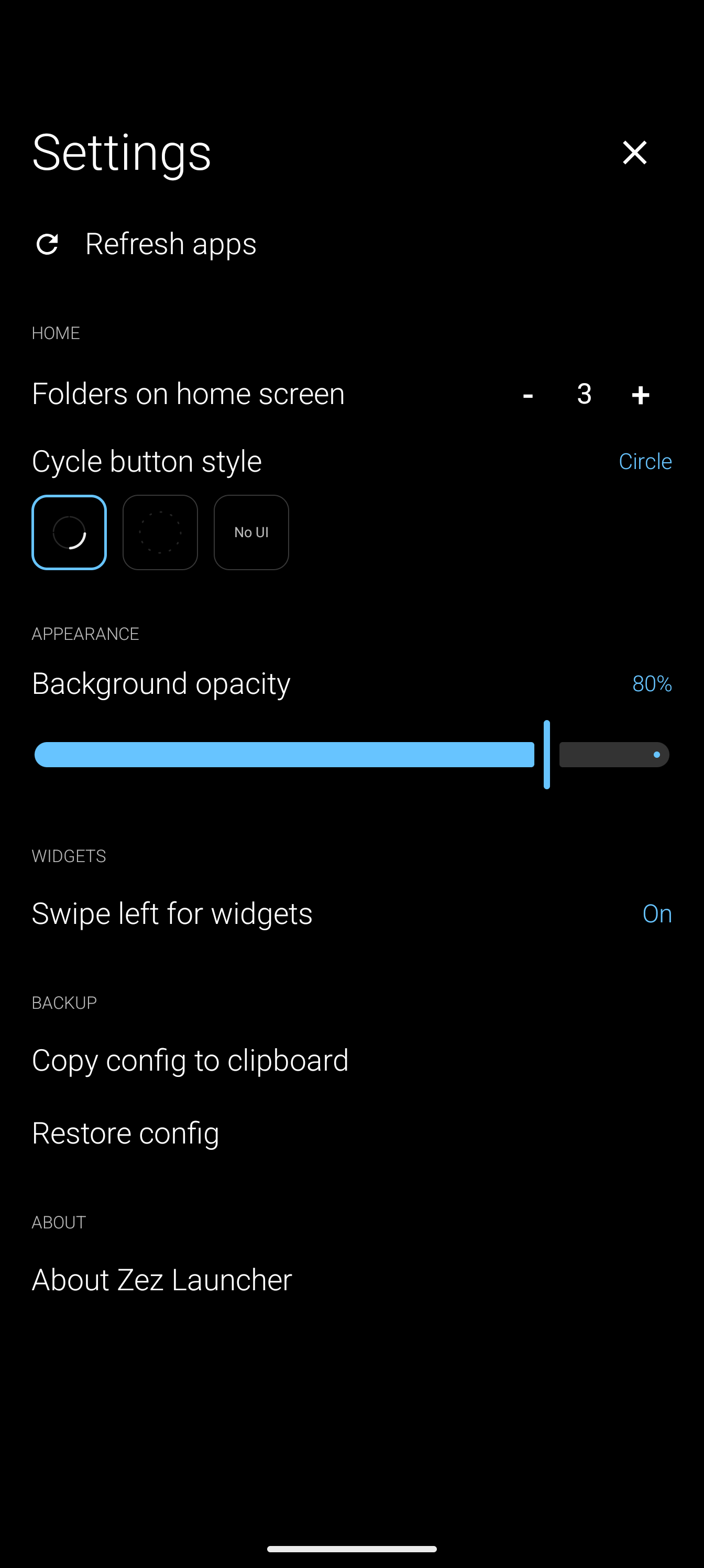
Once your setup feels stable, export your compressed config. Paste it into a notes app or cloud document for safekeeping.
From install to a useful home screen in four steps.
Get Zez Launcher from Google Play, then set it as your default home app in system settings.
Refresh the app list manually, then long-press apps to create folders around your actual workflows. Zez does not monitor installs in the background, so refreshing is intentional.
Enable home folder cycling, pick your highest-signal folders, and tune the overlay opacity to your wallpaper.
When the layout feels right, export your compressed JSON config for backup or transfer.
Honest details for technical users and Play Store reviewers.
Zez Launcher requires Android 11 (API 30) or later.
It needs the default home app role. Storage permission is only requested if you choose to export or import your config.
No. Zez is sold as a single paid app through Google Play. There is no free tier, trial logic, or in-app purchase flow.
We do not make strong claims. Zez has no background services and minimal runtime activity, but actual battery impact depends on your device and usage.
It works on stock and most custom Android skins. Some skins, especially HyperOS/MIUI, may have system-level launcher or gesture quirks outside our control.
Zez does not run background services to watch for new app installs. This keeps the launcher idle when you are not using it. After installing or uninstalling apps, tap Refresh in Zez settings to update the list.
Zez only updates its app list when you manually refresh it. New apps do not appear automatically. Open Zez settings and tap Refresh after installing an app.
Use the in-app export to copy a compressed JSON config, save it anywhere, then paste it into the import dialog on any device.
Guides, design decisions, and honest notes about building a paid minimalist launcher.
Set Zez as your default launcher, refresh the app list, organize folders, and learn the core navigation patterns.
Read post →No ads, no in-app purchases, no analytics, no onboarding funnel. When there's no business model hiding inside the app, the price tag is the whole business model.
Read post →A new minimalist launcher enters the arena. Not because the others are bad — but because none of them matched how I actually use my phone.
Read post →Last updated: July 26, 2026
This Privacy Policy describes how Zez Launcher and this website handle information. The short version: the app collects nothing at all. This website uses minimal, privacy-respecting analytics.
Zez Launcher stores only your launcher configuration locally on your device, such as folder names, app order, home-cycle preferences, and widget selections. This data never leaves your device unless you explicitly export it yourself.
If you choose to back up your layout, the app generates a compressed JSON representation of your configuration. You can copy this text and save it to any app or service you trust. Zez does not upload it anywhere automatically.
Payment, app delivery, and standard Play Store telemetry are handled by Google Play according to Google's Privacy Policy. We do not receive any personally identifiable information beyond standard aggregated purchase data provided by Google to developers.
This website — the Zez Launcher landing page and blog on frapatech.com — uses PostHog, a privacy-focused analytics tool, to understand which pages are visited and how the site is used. This helps us improve the site and see which guides are actually useful.
Analytics runs only on this website. The Zez Launcher app contains no analytics whatsoever and never contacts our servers. If you prefer not to be counted, enable Do Not Track in your browser or block the analytics script — the site works the same either way.
PostHog processes this data on our behalf according to the PostHog Privacy Policy.
If you have questions about this Privacy Policy or the app, contact us through the Google Play Store listing.
Zez Launcher is a small, focused launcher for Android users who prefer control over decoration.
Get it on Google Play